 ScaleDM
Send automated DMs with buttons, images and carousels
Use ScaleDM to send a quick text reply, a linked image card or a swipeable carousel on Instagram and Facebook Messenger. Choose the format that makes the next step clear.
 weekend.edit
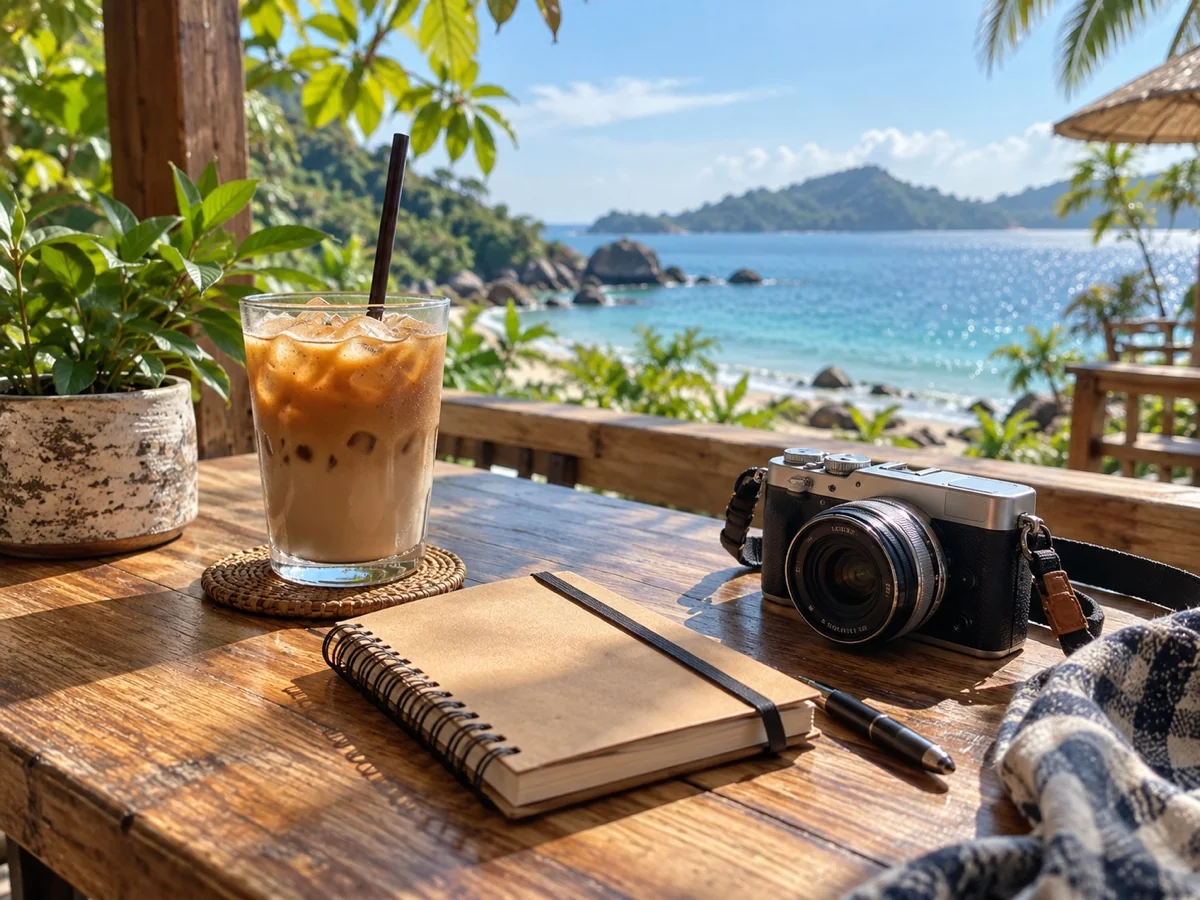 Slow Travel Guide 2026
- Platforms
- Instagram · Facebook Messenger
- Formats
- Text · image card · carousel
- Carousel size
- Up to 10 cards
Choose what people see in their inbox
Compare four example messages. Link buttons can track clicks in your results.
Text
Best for a short answer or a code.
Use WEEKEND10 for 10% off your first order.Text with buttons
Give readers a clear next step.
Here are the dates for my next workshop.See datesImage card
Highlight one product, guide or offer.
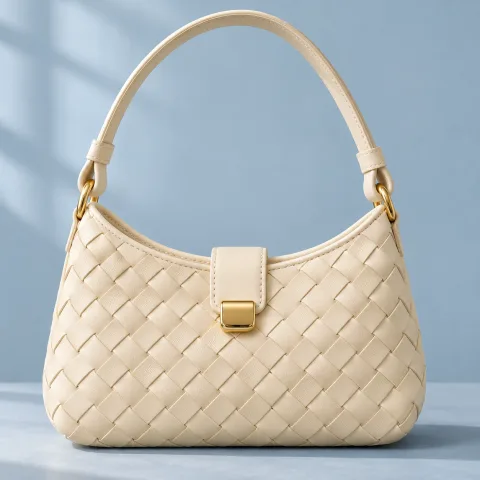 The weekend toteShop the tote
Carousel
Give readers a choice of up to 10 swipeable cards.
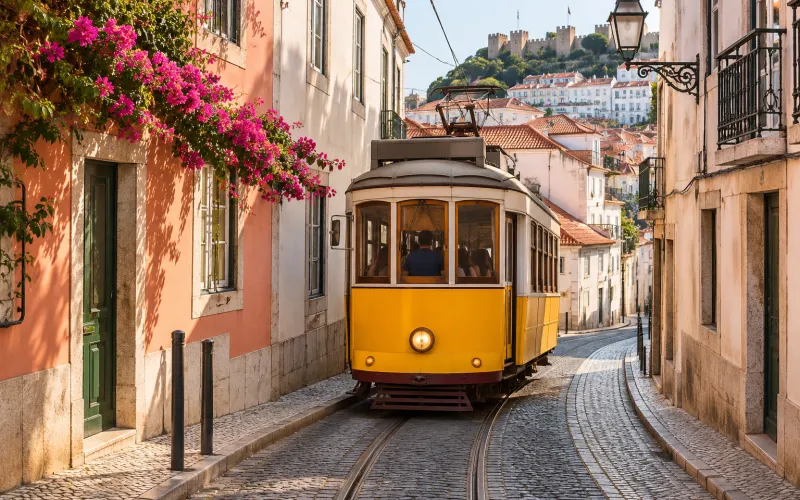 Lisbon itineraryGet the guideTravel essentialsSee the list
Follow-ups and Always-On tools
See what starts each conversation and where each tool is available.
One follow-up message
Available on Instagram while the chat window is open and the link is unclicked. Post and Live triggers need an opening DM.
Tracked link sentReminder after 1 hourStory mention replies
Instagram only.
Someone mentions you in a StoryScaleDM sends a DMConversation starters
On Instagram and Messenger, a tap on a saved question sends its reply.
What can we help with?What are your hours?Persistent chat menu
Keep everyday shortcuts available on Instagram and Messenger.
Chat menuTrack my order
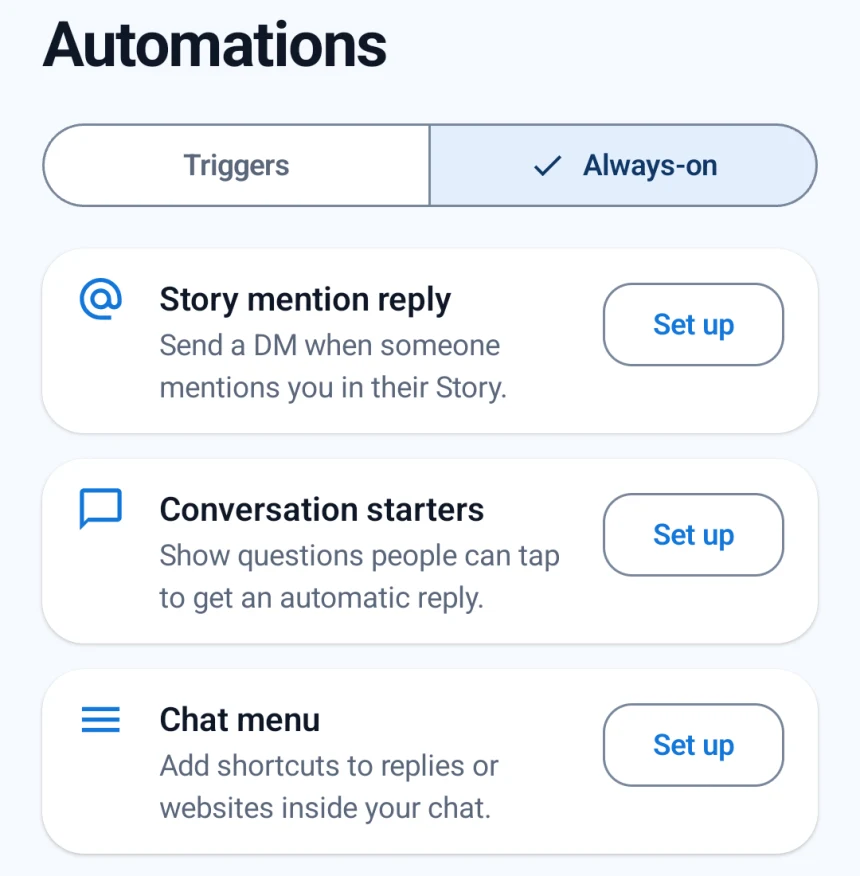
Open Always-on under Automations to set up each tool for your connected account.
View full-size screenshotBuild and preview a rich DM
Follow the builder from trigger to preview.
Choose a trigger
For example, a post comment or a DM keyword.
Pick a message format
Choose text, an image card or a carousel.
Add your content
Add your text, images and links.
Preview and publish
Check how the message looks to recipients.
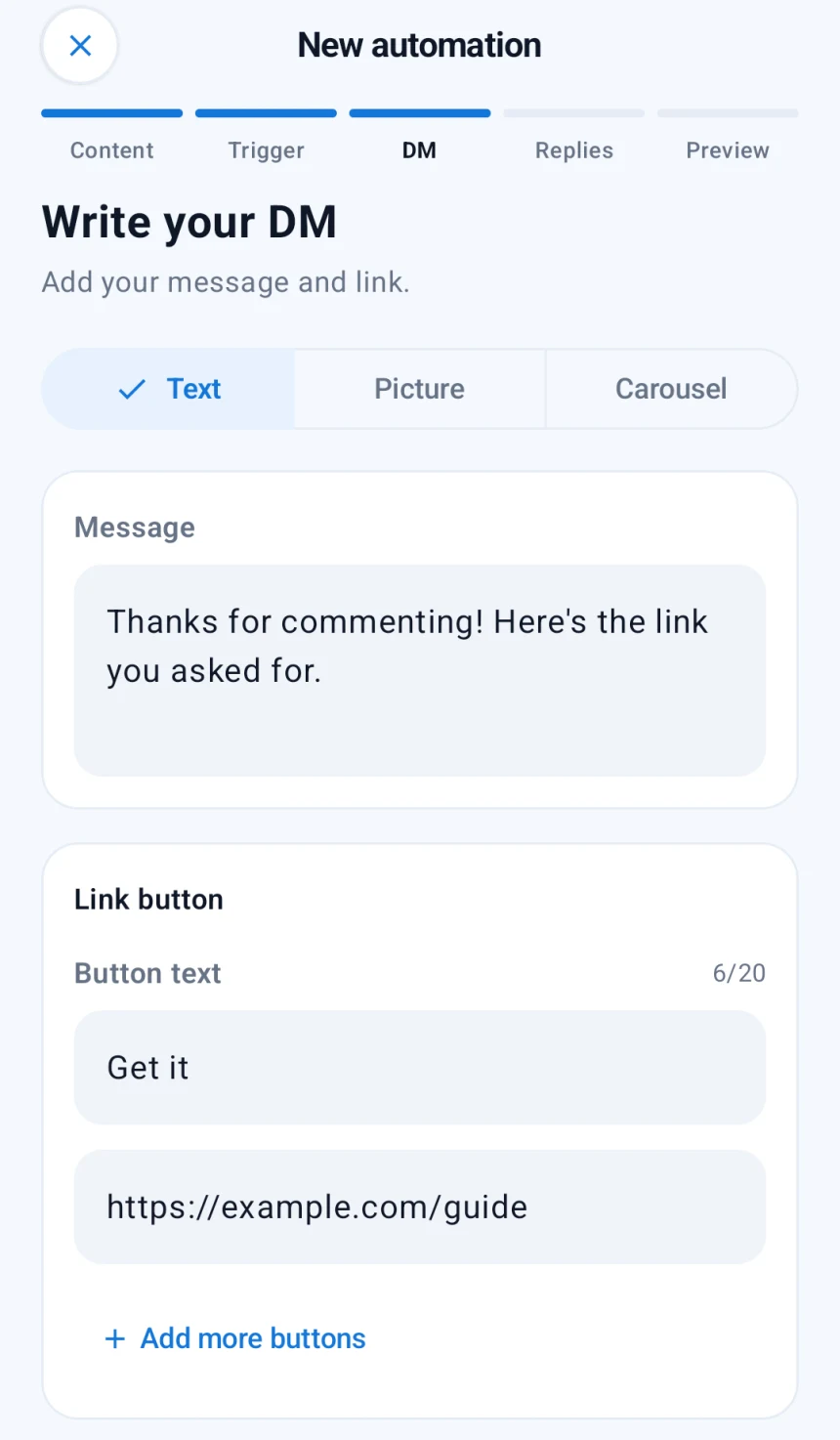
In the DM step, pick Text, Picture or Carousel. For a text reply with a link, fill in the button text and destination.
View full-size screenshotMessage formats in practice
- One answer
- Use text to send a coupon code or answer a common question.
- One destination
- Use an image card and a “Shop the tote” button for a featured product.
- Several options
- Use a carousel to let readers choose between a packing checklist and a weekend itinerary.
Questions people ask
How many cards can I add to a carousel?
Add up to 10 cards in one carousel. Each card can have its own image and destination.
When does a follow-up message go out?
ScaleDM sends an eligible Instagram reminder after one hour if the recipient has not clicked a tracked link and the messaging window is still open.
Which always-on tools work on Facebook Pages?
Facebook Pages support conversation starters and the persistent Messenger menu. Story mention replies are available on Instagram.
Build and preview your first DM
Choose a format and check how its text, images and buttons appear before publishing.