 ScaleDM
A free link in bio page for Instagram
Put a ScaleDM page in your Instagram profile so visitors can find your shop, content and contact details in one place. Customize the page and see which links people open.
 Weekend Edit@weekend.edit


- Page address
- scaledm.io/u/@yourname
- Share via
- A profile link or QR code
- Analytics
- Views and link clicks over 7 or 30 days
Create and share your bio page
Open Bio page in ScaleDM.
Connect Instagram
Approve access to your account.
Add destinations
Start with the link you want people to open first.
Pick a style
Choose a theme, buttons and contact details.
Share it
Add the URL to Instagram or use the QR code.
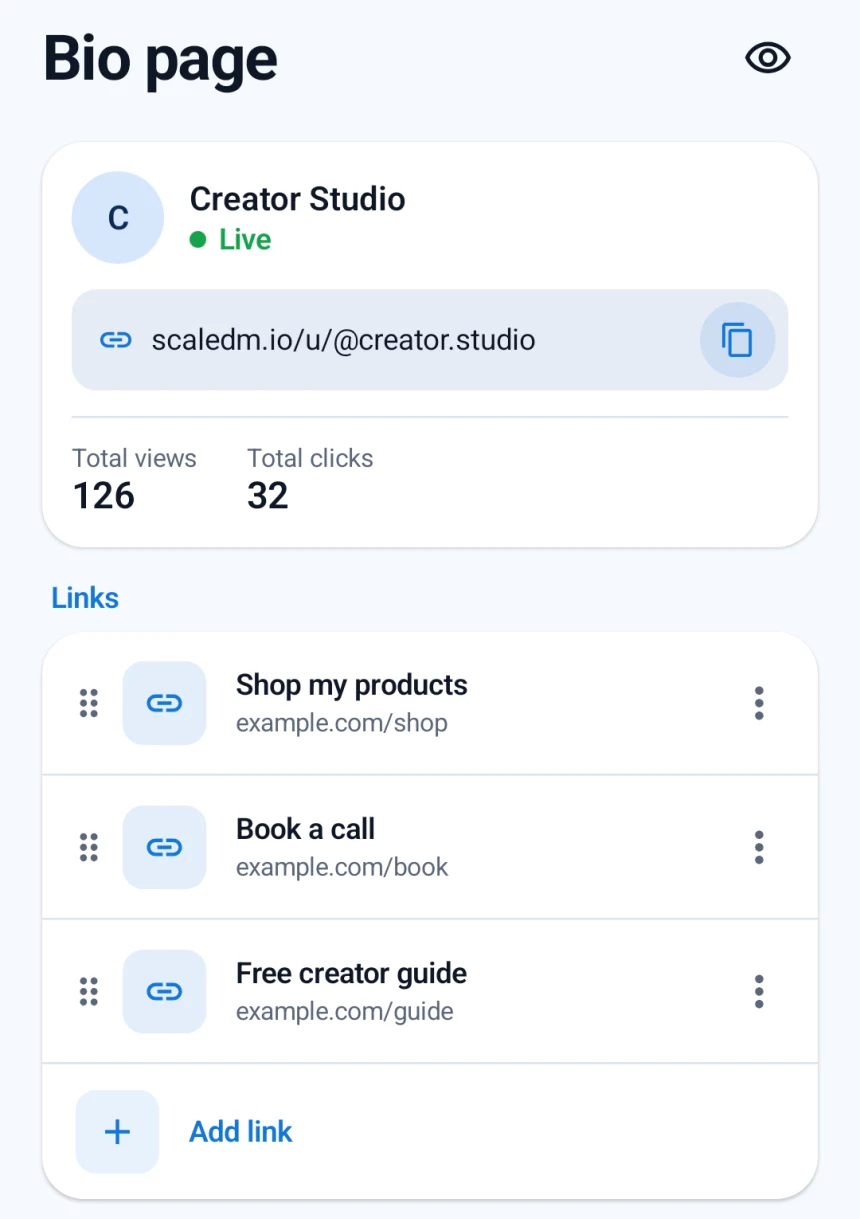
Use Add link to add a destination. Copy the public address from the top of the editor when you’re ready to share.
View full-size screenshotCustomize your page
Themes and buttons
Try colors and shapes that match your brand.
Read my guideRead my guideRead my guideContact shortcuts
Give visitors a quick way to reach you.
Instagram EmailLinks with photos
Add a title. Include a photo or description if useful.
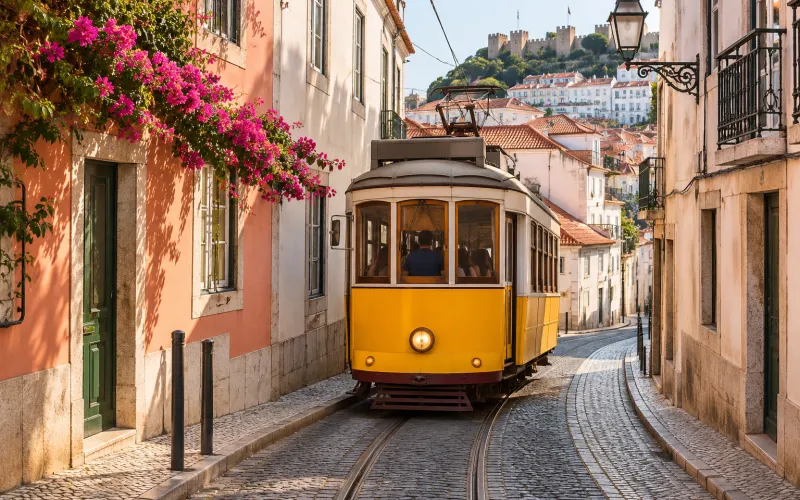 Lisbon weekend guide
Share your page and see what gets clicks
Profile link or QR code
Your address keeps working when you edit the page.
Copy the page addressPaste into Instagram’s Links sectionViews and clicks
Compare the last 7 or 30 days.
240 Views74 Link clicksIllustrative totals
Link in bio in practice
- First link
- Shop the spring collection
- Next link
- Join the newsletter
- Contact
- Email for partnerships
Questions people ask
Is it free?
Yes. Creating and editing a ScaleDM bio page is free.
Where do I put the link?
Add your scaledm.io/u/@yourname address to the Links section of your Instagram profile.
Do I need automations to use it?
You can use the bio page on its own or share the same destinations through automated DMs.
Create your free link in bio page
Add your most useful links and share one address with your audience.